
FLUX 3 Image
FLUX 3 Image by Black Forest Labs generates one image per request from text or up to 10 references. Resolution determines the image price; reference images add no separate charge.
Service Highlights
- Official Discounts
- Pay-as-you-go
- Fast & Low Latency
Image link valid for 72 hours
Pricing Details
Transparent pricing with no hidden fees. Pay only for what you use.
* Actual costs are subject to final output.
FLUX 3 Image Generation and Editing
Create images from text, edit a reference or combine up to 10 images. Choose a resolution and aspect ratio, control search grounding, and describe layouts in your prompt.
FLUX 3 Image Capabilities
Generation, editing and output controls supported by the API
Text-to-Image Generation
Reference-Image Editing
Five Output Resolutions
Flexible Aspect Ratios
Layout Instructions
Search Grounding
Safety Tolerance
Per-Image Pricing
FLUX 3 Image Use Cases
Suggested uses for creative, commerce, and content teams
Product Visual Concepts
Campaign Drafts
Storyboards and Presentations
Creative Revisions
Editorial Illustrations
Packaging and Poster Concepts
FLUX 3 Image FAQ
Inputs, output settings, billing and task handling
What is FLUX 3 Image?
FLUX 3 Image is Black Forest Labs' image generation and editing model. Use model flux-3-image for text-to-image, single-image editing or multiple references. Each request returns one final image; this is not the FLUX 3 video model.
How many reference images can I use?
image_urls accepts up to 10 publicly accessible HTTP(S) URLs or base64 images. Adding references makes the request an editing or multi-reference task. References do not add a separate charge.
Which resolutions and aspect ratios are supported?
Resolutions are 768sq, 1k, 1.5k, 2k and 4k. Choose auto or one of 15 ratios from 21:9 to 9:21. Defaults are 1k and auto. Auto follows the first reference when editing; text-only generation follows the prompt or defaults to 1:1.
What do grounding and safety_tolerance control?
grounding defaults to true and allows upstream web or image retrieval before generation; set it to false to disable retrieval. safety_tolerance is an integer from 0 to 4, where 0 is strictest and the default is 2.
How do bounding-box instructions work?
Layout and local-edit instructions belong in prompt, using the syntax described in the official documentation. The tool does not provide a visual bounding-box editor or a separate bbox parameter.
How is generation priced?
The price per image depends only on resolution. Aspect ratio and reference count do not change it. Use the platform price list for current rates and the completed task's cost for the final charge. Failed or moderation-blocked tasks are fully refunded.
How do I receive the generated image?
POST /v1/images/generations returns a task_id. Query GET /v1/tasks/{task_id} until the task completes or fails, then retrieve the result image URL. A 4k task may take several minutes. Save results promptly and follow any expiry information returned.
Can I reuse parameters from other FLUX models?
Not without checking. This API does not accept width, height, pixel-size strings, seed, steps, guidance, output_format, negative_prompt or prompt_upsampling, and it does not generate multiple images per request. Choose resolution and aspect_ratio instead.
Related Models
Explore more models in the same category.
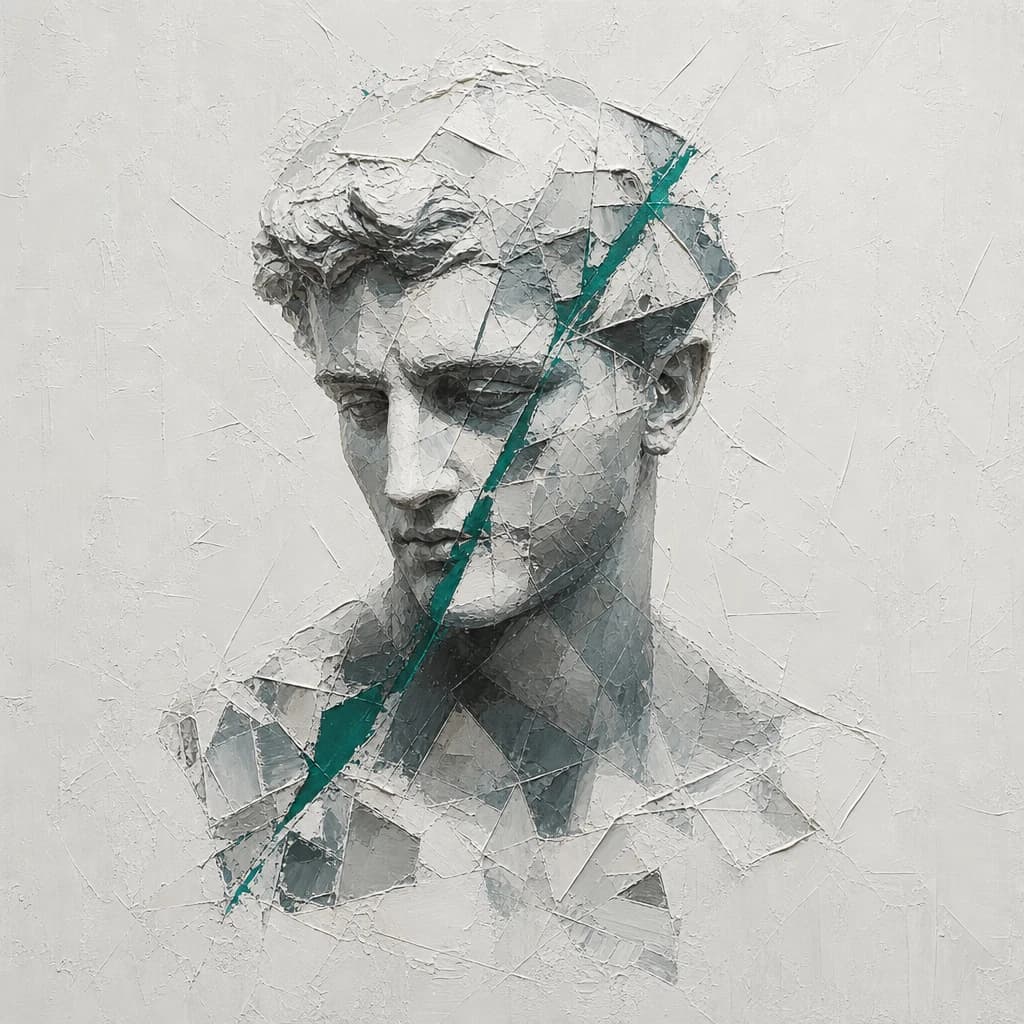
Nano banana 2.1
Nano Banana 2.1 is Google's Gemini image model for text-to-image generation and reference-image editing. It outputs 1K, 2K or 4K images in 14 aspect ratios and is available through official and Ext routes.
0.269Credits/1K~$0.0269/1KSave 20%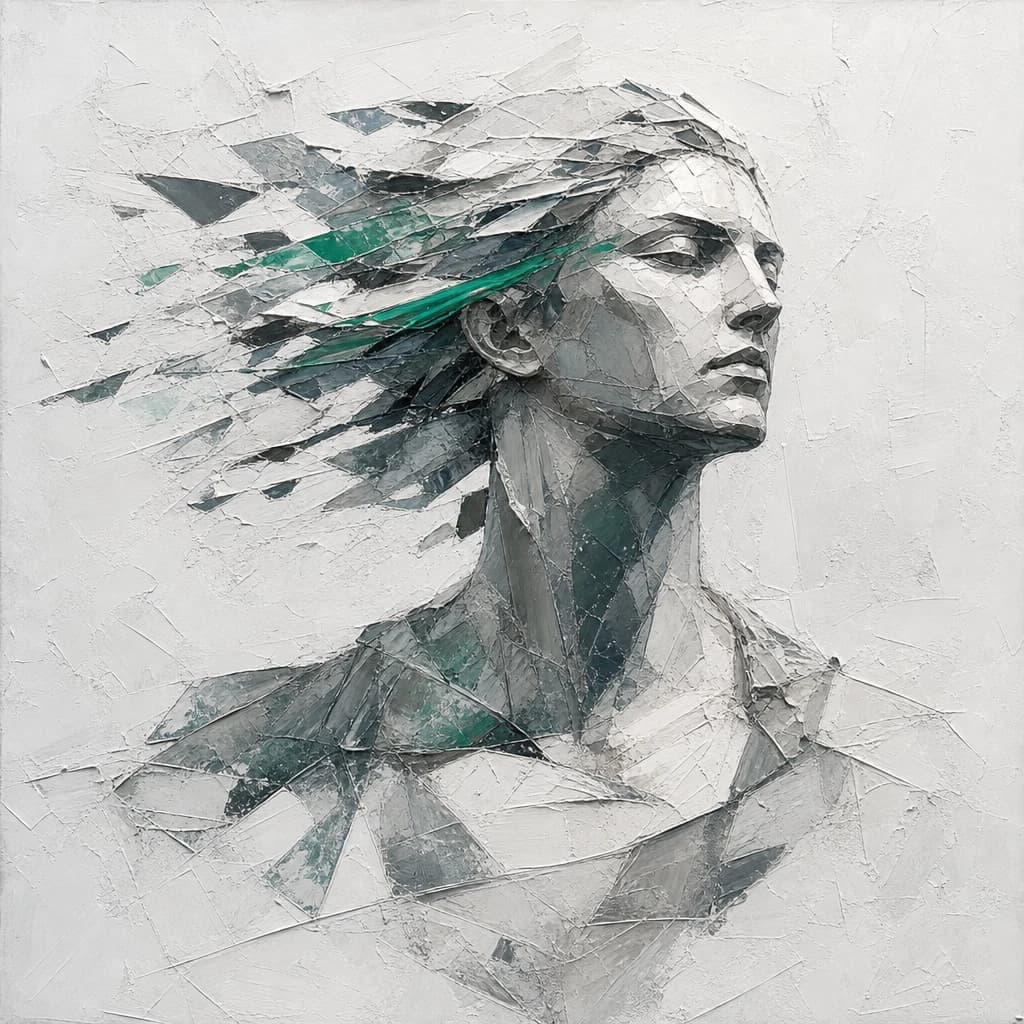
Seedream 5.0 Flash
Seedream 5.0 Flash is ByteDance's fast, lower-cost text-to-image model. It supports single-image and multi-reference editing with up to 10 references and generates 1K, 1.5K or 2K images, or exact pixel sizes, with strong text rendering.
0.137Credits~$0.0137Save 20%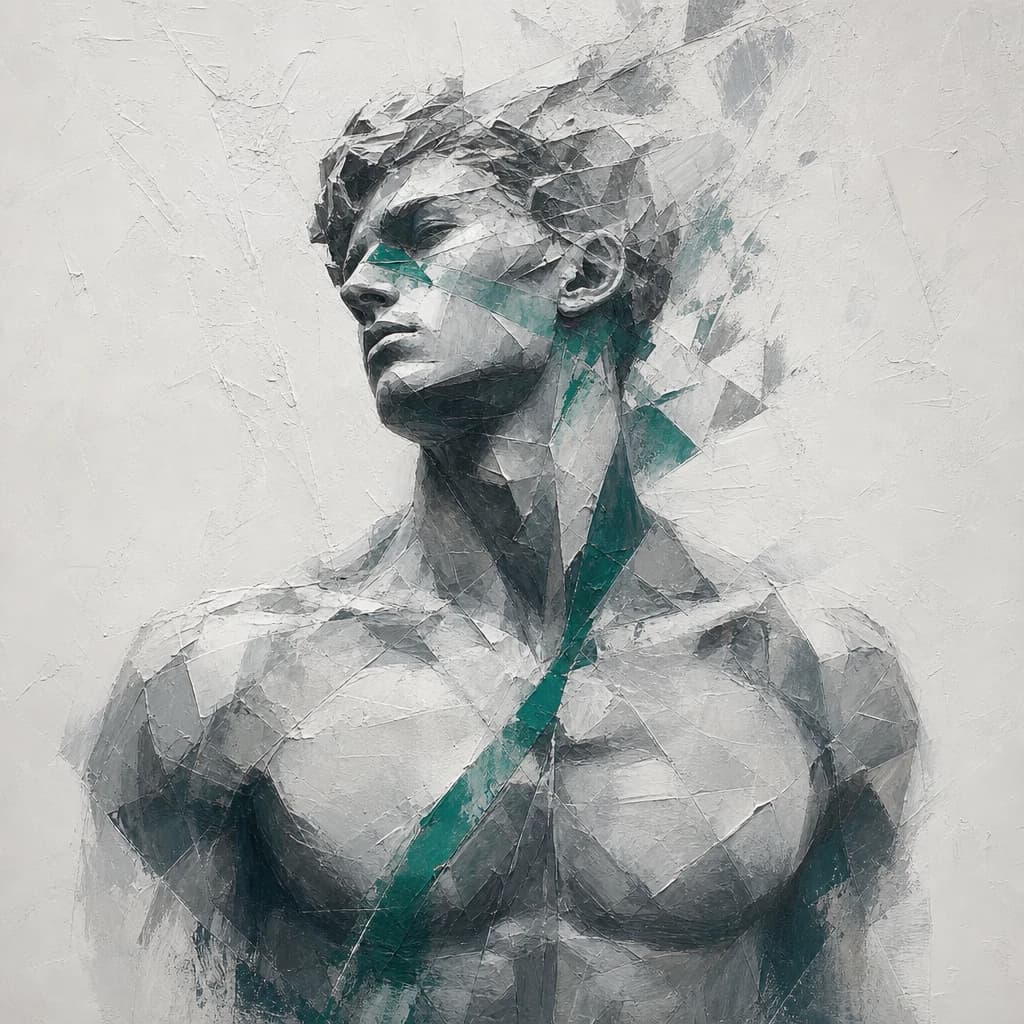
GPT Image 2.5 Flare
GPT Image 2.5 Flare is OpenAI's speed-focused GPT Image 2.5 model for image generation and editing. It supports up to 16 reference images, inpainting with transparent PNG masks and 15 aspect ratios.
Save 20%
GPT Image 2.5 Sunburst
GPT Image 2.5 Sunburst is an OpenAI image model for generation and editing, focused on precise edits for detail-sensitive creative work. Supports up to 16 reference images and PNG, JPEG or WebP output.